How do I get started on GigaLayer?

  • On the GigaLayer homepage @ gigalayer.com, search for the domain name you want to register.
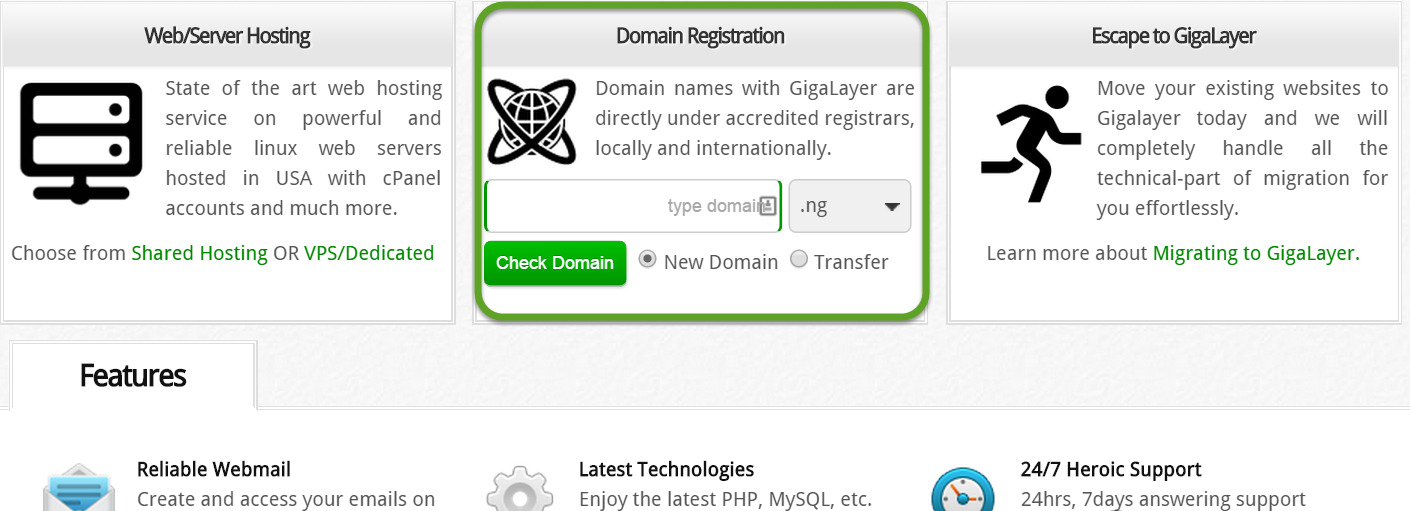
Domain search


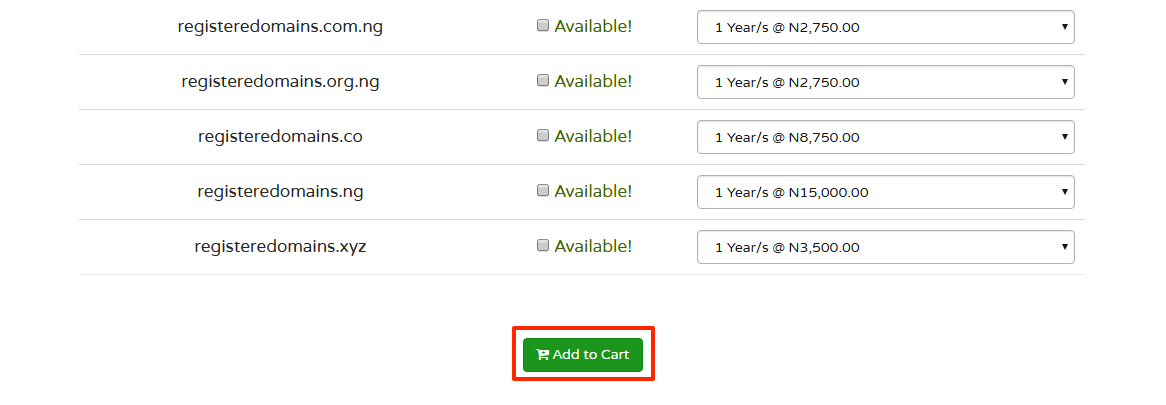
  • Add to cart

Add to cart

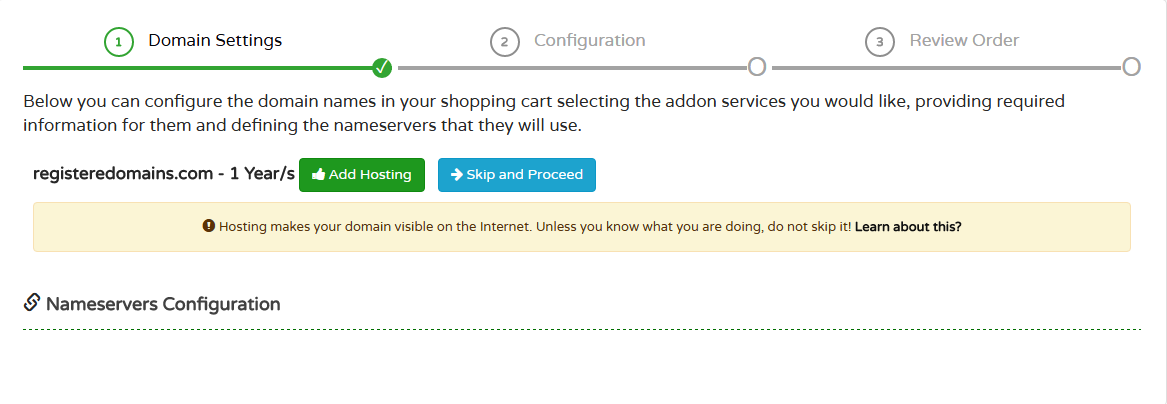
  • Add hosting account

    Add hosting

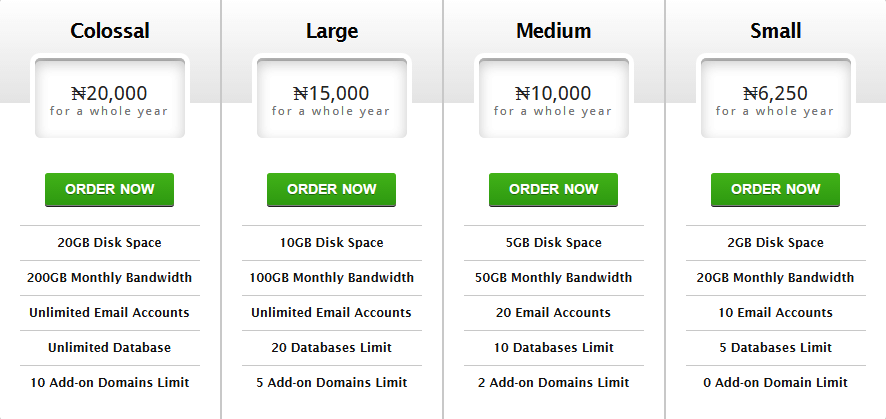
  • Select a hosting plan

    Select Hosting

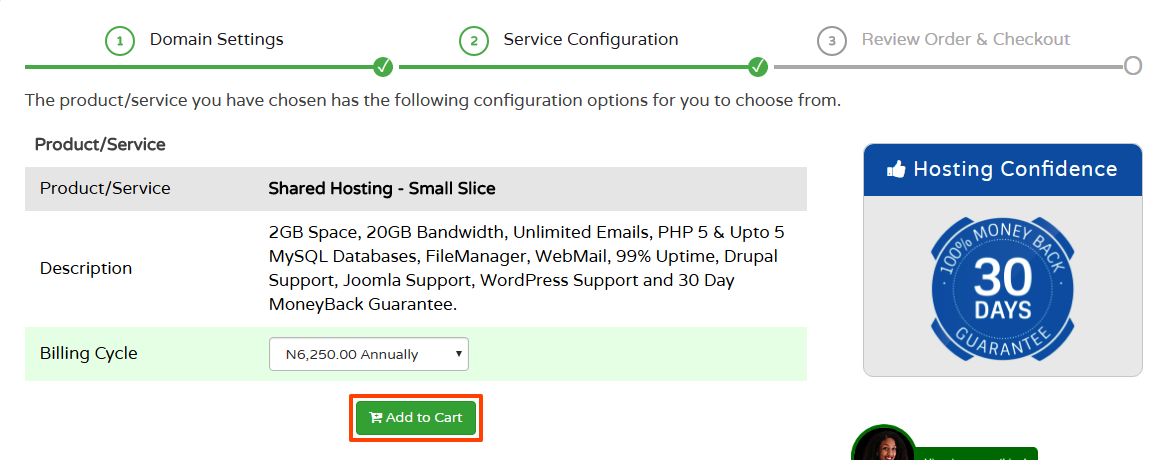
  • Add to cart

Add to cart

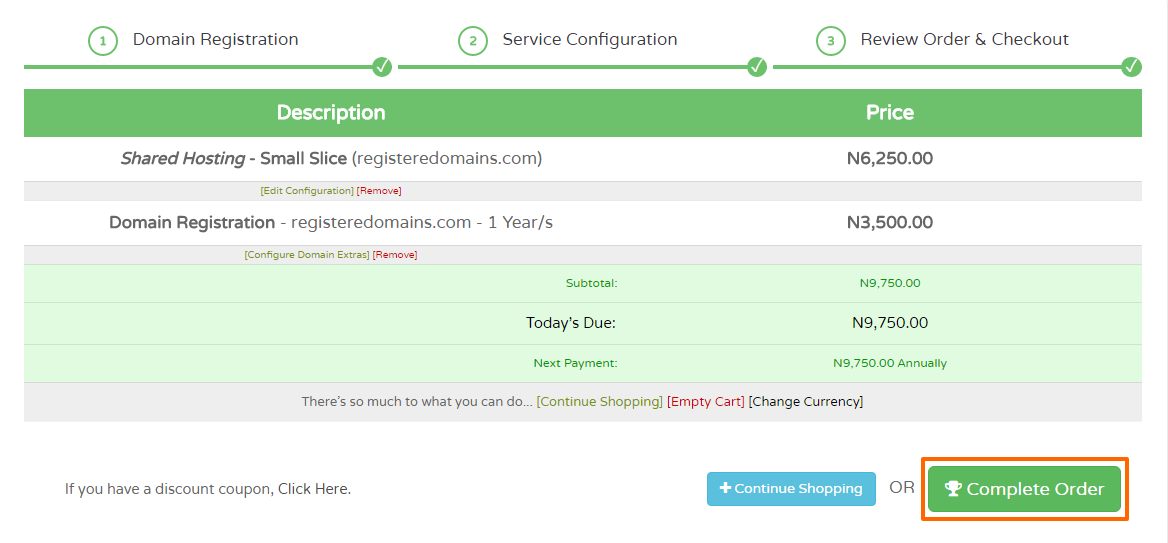
  • Complete order

Complete Order

  • Change to the currency you will like to be billed in - USD, GBP or NGN
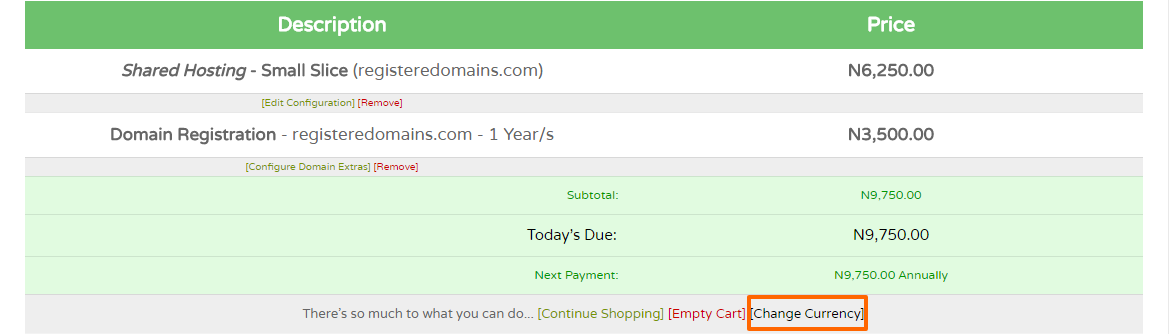

Change Currency


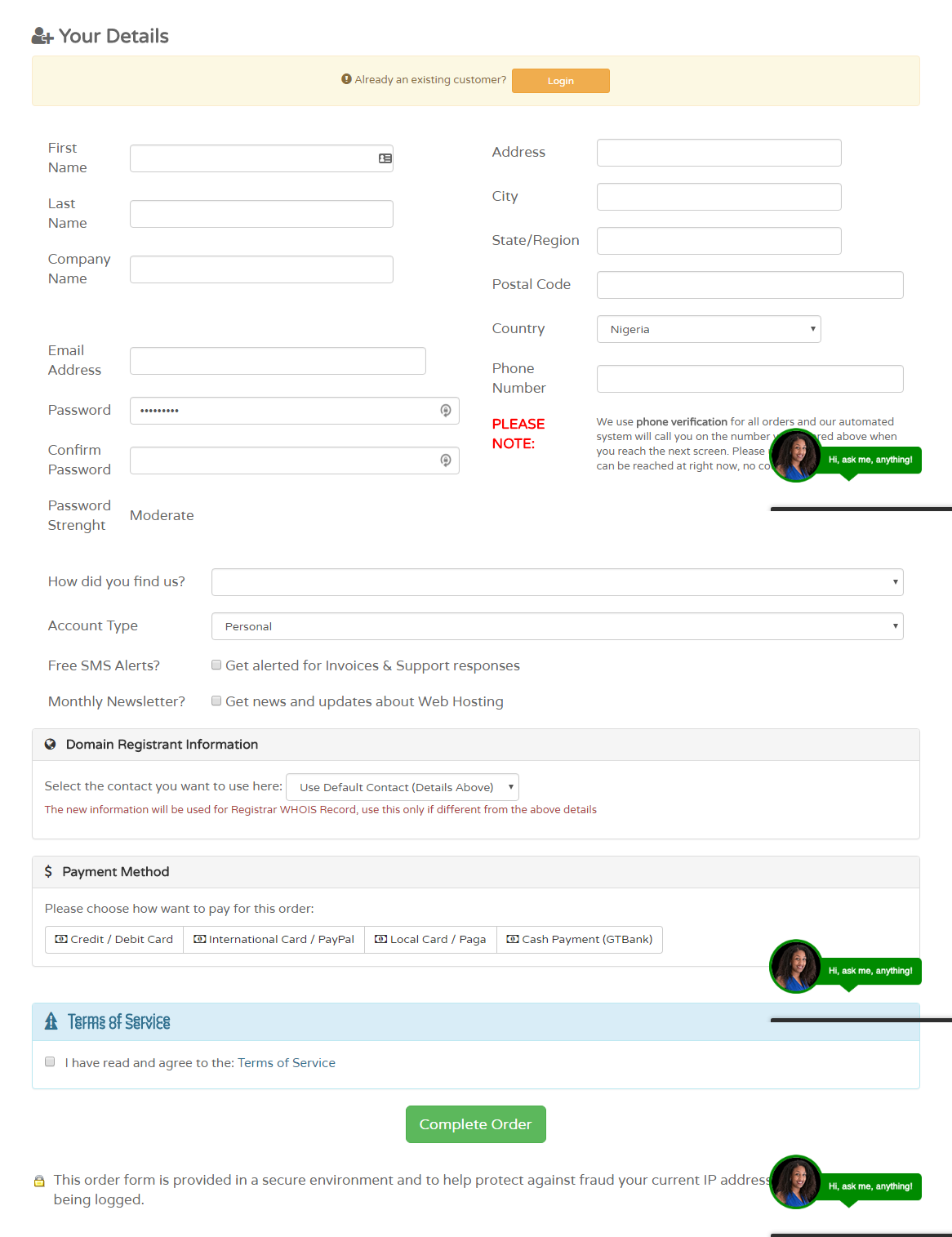
  • Create an account
  • Select a payment method
  • Read and agree to the Terms of Service
  • Complete Order

Create Account

  • Enter pin from phone verification
  • Make the payment via the method you chose above
  • Report payment to Billing Support if via bank deposit
  • Check your email for signup details
  • Log into your billing area


Core

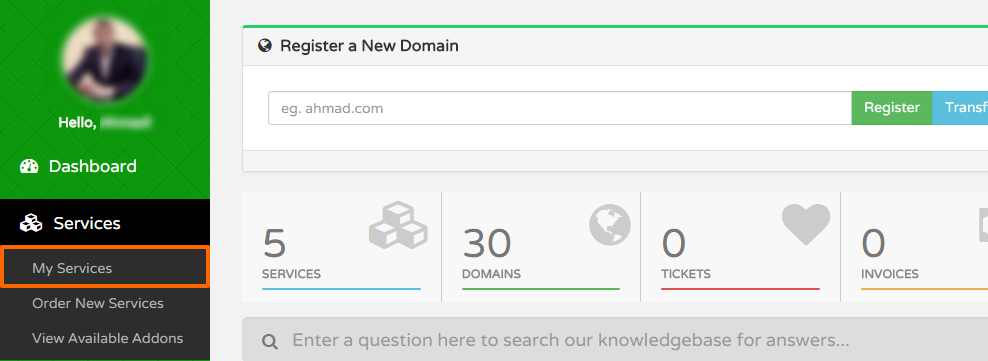
  • Go to Services>>>My Services

My services

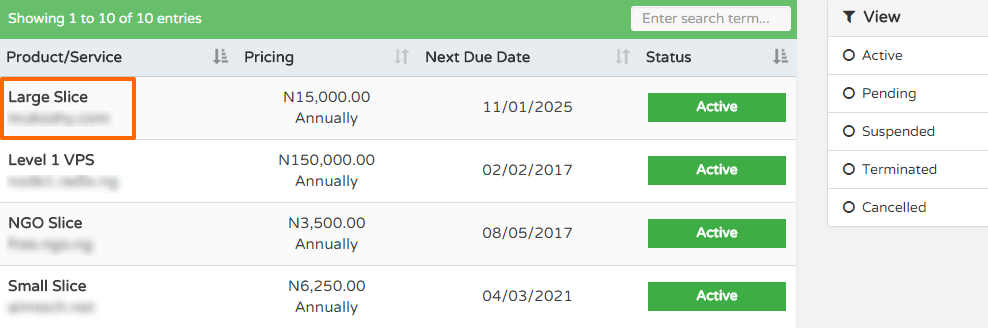
  • Click on the service

Service

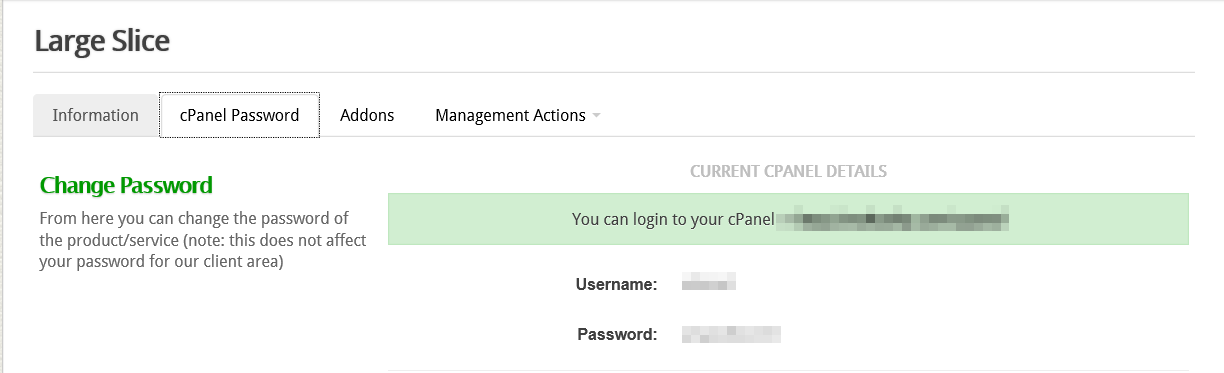
  • Click cPanel password

    cPanel

  • In cPanel, go to file manager under files tab
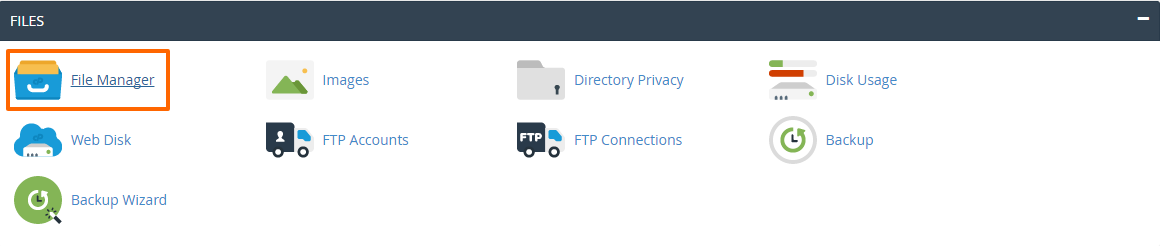
File Manager

  • Upload your website files under public_html
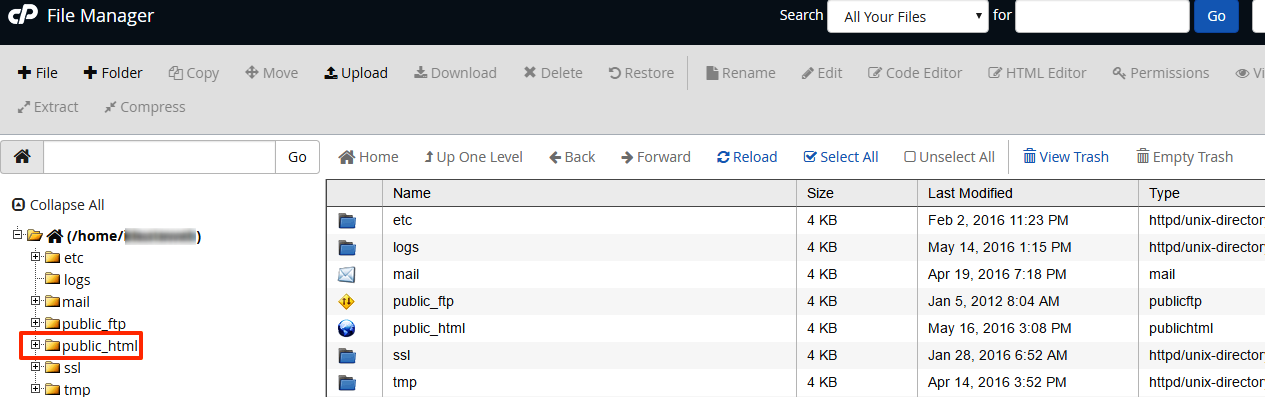
Public_html

  • 3 Users Found This Useful
Was this answer helpful?

Related Articles

How do I pay?

We accept cash deposits into our bank account which will be provided to you after you make an...

How long does it take to get my website online?

New account activation is completed within 24 hours after your payment has been verified. This...

Do you accept cash payments at your office?

NO! We do not accept cash payments in our office. All payments should be made at the bank into...

Do you host domain extensions you don't sell?

Yes, we host all domain extensions even for those we do not sell. All you have to do is select "I...

Where are your servers located?

Our main server is located in Texas, USA. We also host on virtual cloud servers across Asia,...