How to Change cPanel Password in the Core

Often, you may want to change your cPanel password. You can do this from your core panel. To change your password, follow these steps:

Enter Details


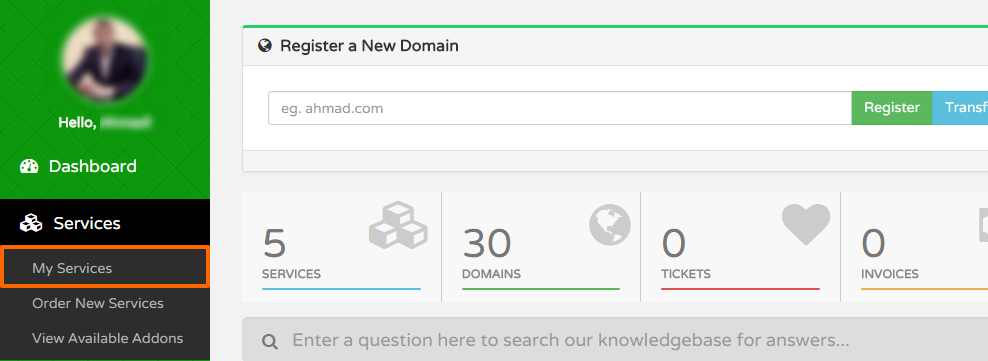
  • Go to Services >>> My Services
My Services
  • In the list of the services under your account, click on the service you would like to change its cPanel password
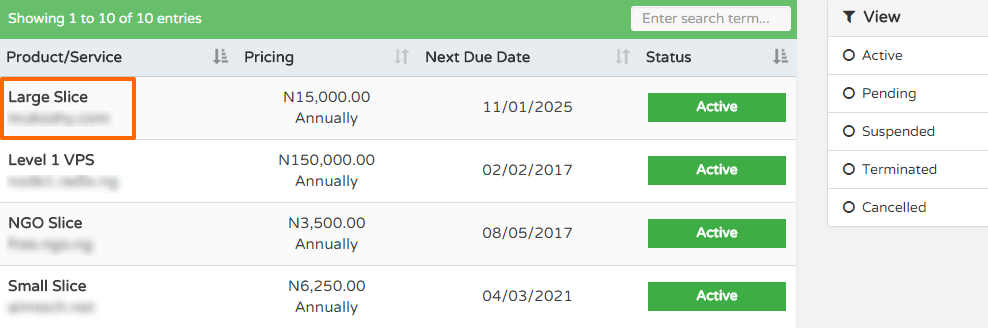
Service

  • Under the Actions section on the page, click Change Password
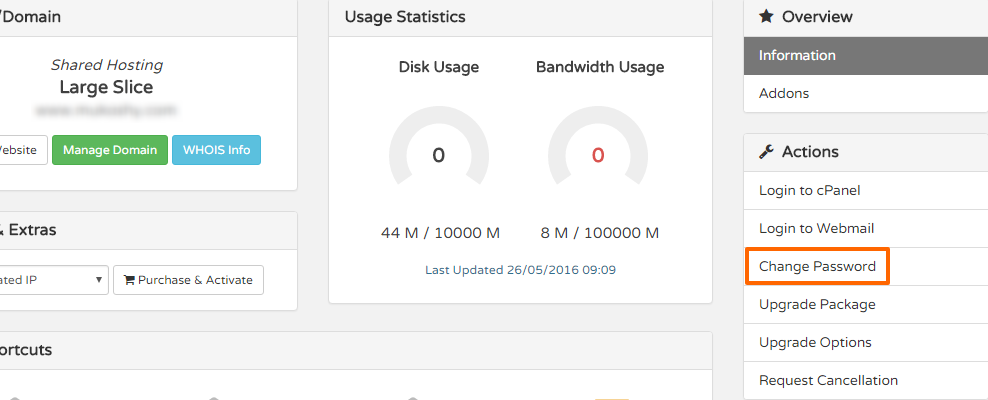
Change Password


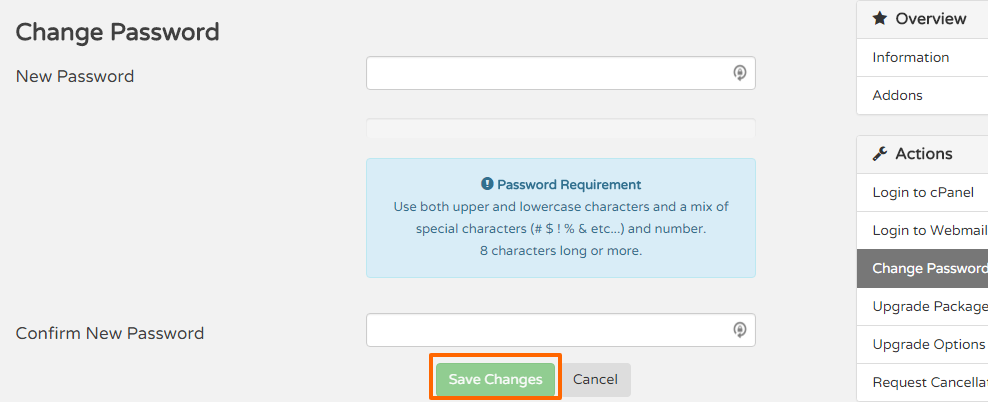
  • Type in your New Password twice. Ensure it is a very secure one
  • Click 'Save'

Save Password

Your password should be fully changed and ready to be used on your cPanel.

 
  • 7 Users Found This Useful
Was this answer helpful?

Related Articles

How to Change your cPanel Password in cPanel

Often you may want to change your cPanel password for one or more reasons. It is always...

How to Enable Hotlink Protection

To enable/disable hot link protection, follow these simple steps: Log in to cPanel...

406 Not Acceptable Error

A 406 Not Acceptable Error is indicating that the script you are trying to run is triggering...

How to Disable APC Cache via .htaccess

You can disable APC Caching for your domain via .htaccess with the following steps: Login to...

How to Backup Entire Site in cPanel

You can backup your entire site including databases, e-mails, settings etc using the cPanel...