- Log in to cPanel

- Click phpMyAdmin under the Databases tab

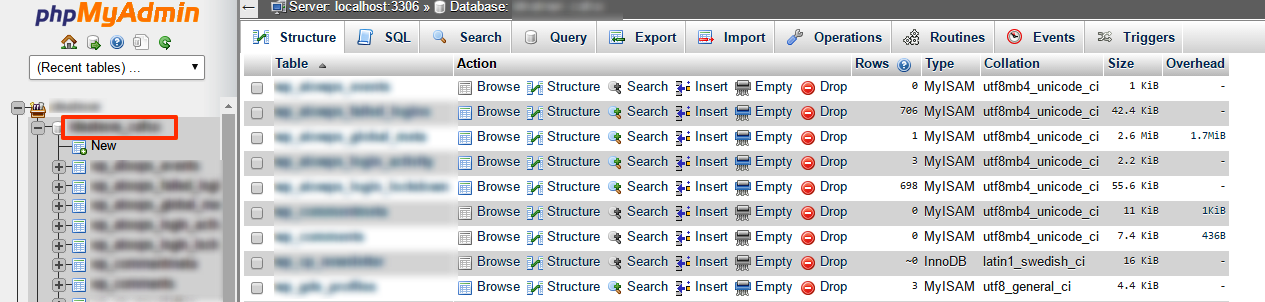
- On the left column, select the database name you wish to export
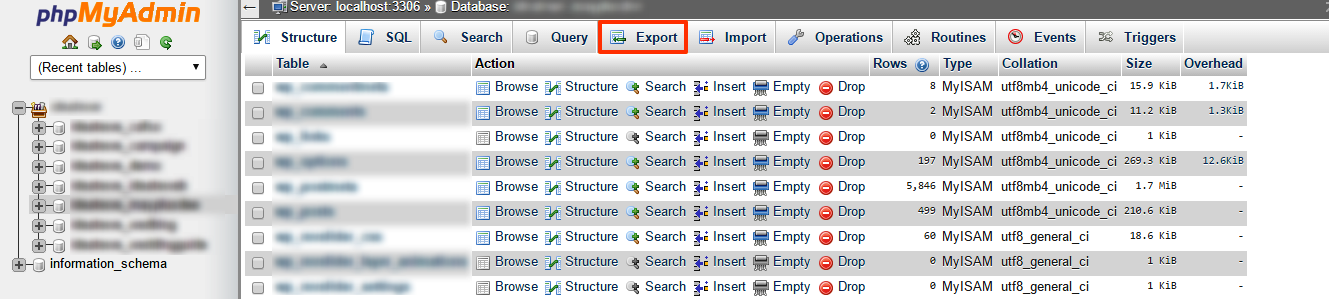
- Along the top of the screen click the "Export" tab
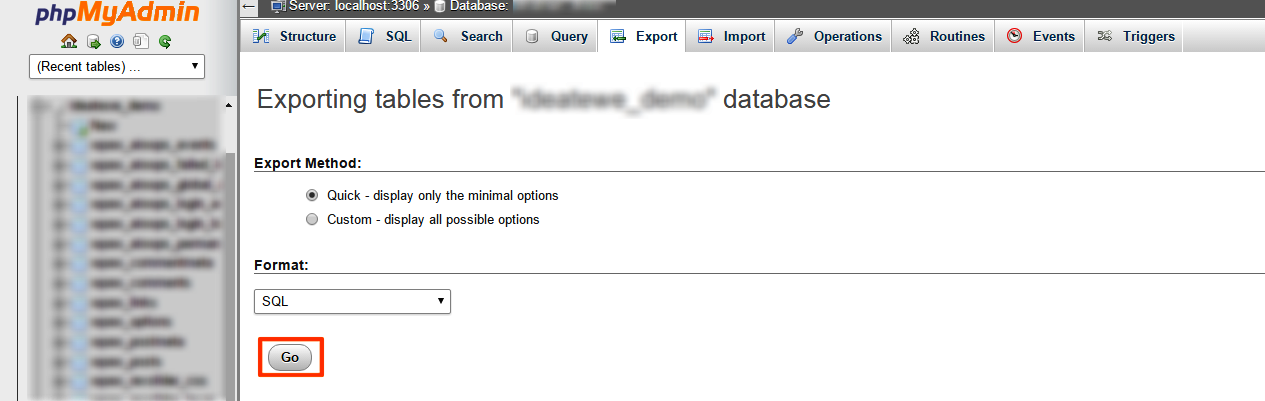
- Press 'Go' button at bottom right
Often you may want to change your cPanel password for one or more reasons. It is always...
To enable/disable hot link protection, follow these simple steps: Log in to cPanel...
Often, you may want to change your cPanel password. You can do this from your core panel. To...
A 406 Not Acceptable Error is indicating that the script you are trying to run is triggering...
You can disable APC Caching for your domain via .htaccess with the following steps: Login to...