- Log in to cPanel

- Under the Databases tab, click MySQL Databases

- In the New Database field, type a name for the database.
- Click Create Database

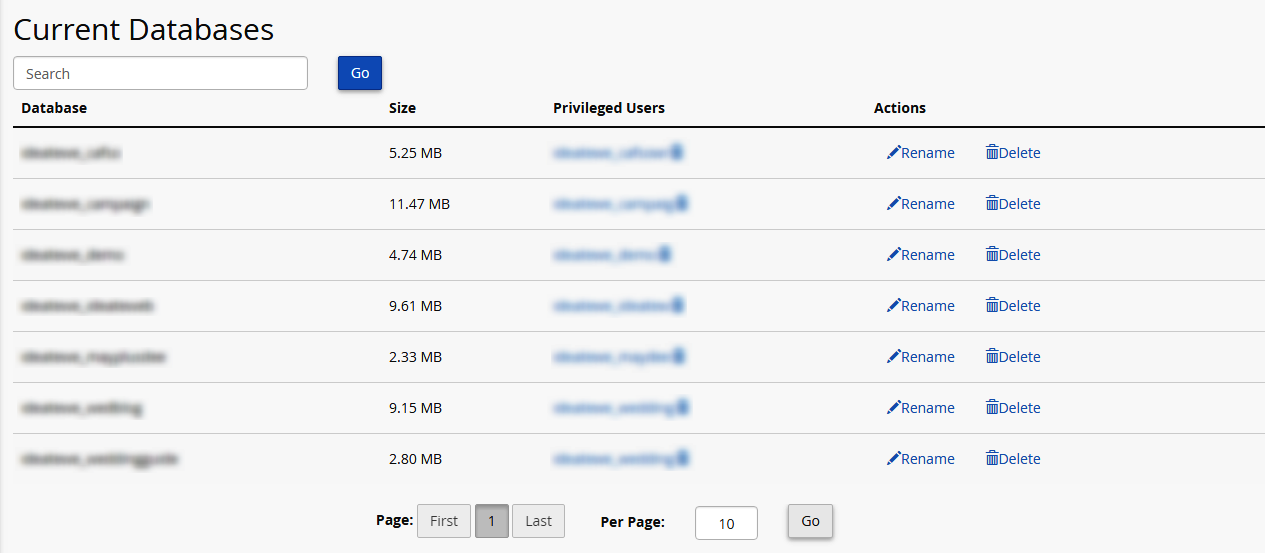
- Click Go Back. The new database will appear in the Current Databases table
Often you may want to change your cPanel password for one or more reasons. It is always...
To enable/disable hot link protection, follow these simple steps: Log in to cPanel...
Often, you may want to change your cPanel password. You can do this from your core panel. To...
A 406 Not Acceptable Error is indicating that the script you are trying to run is triggering...
You can disable APC Caching for your domain via .htaccess with the following steps: Login to...