How to Assign/Unassign a MySQL User to a Database
Assign User Privileges to a Database

- Under Databases, click MySQL Databases

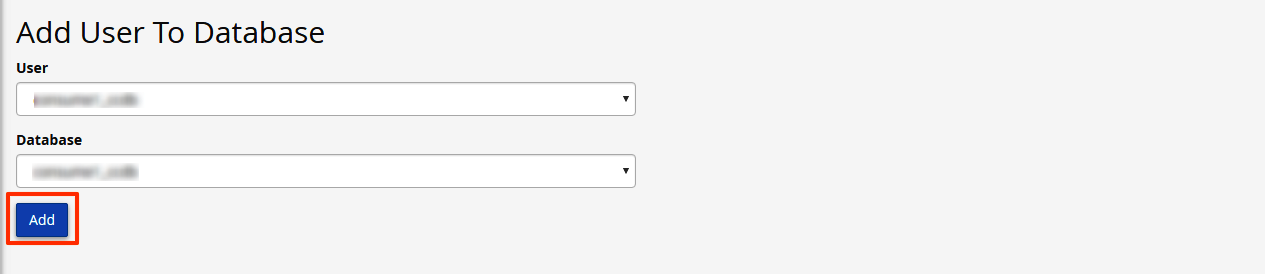
- Under Add User to Database, select a user from the User drop-down menu
- From the Database drop-down menu, select the database to which you wish to allow the user access
- Click Add
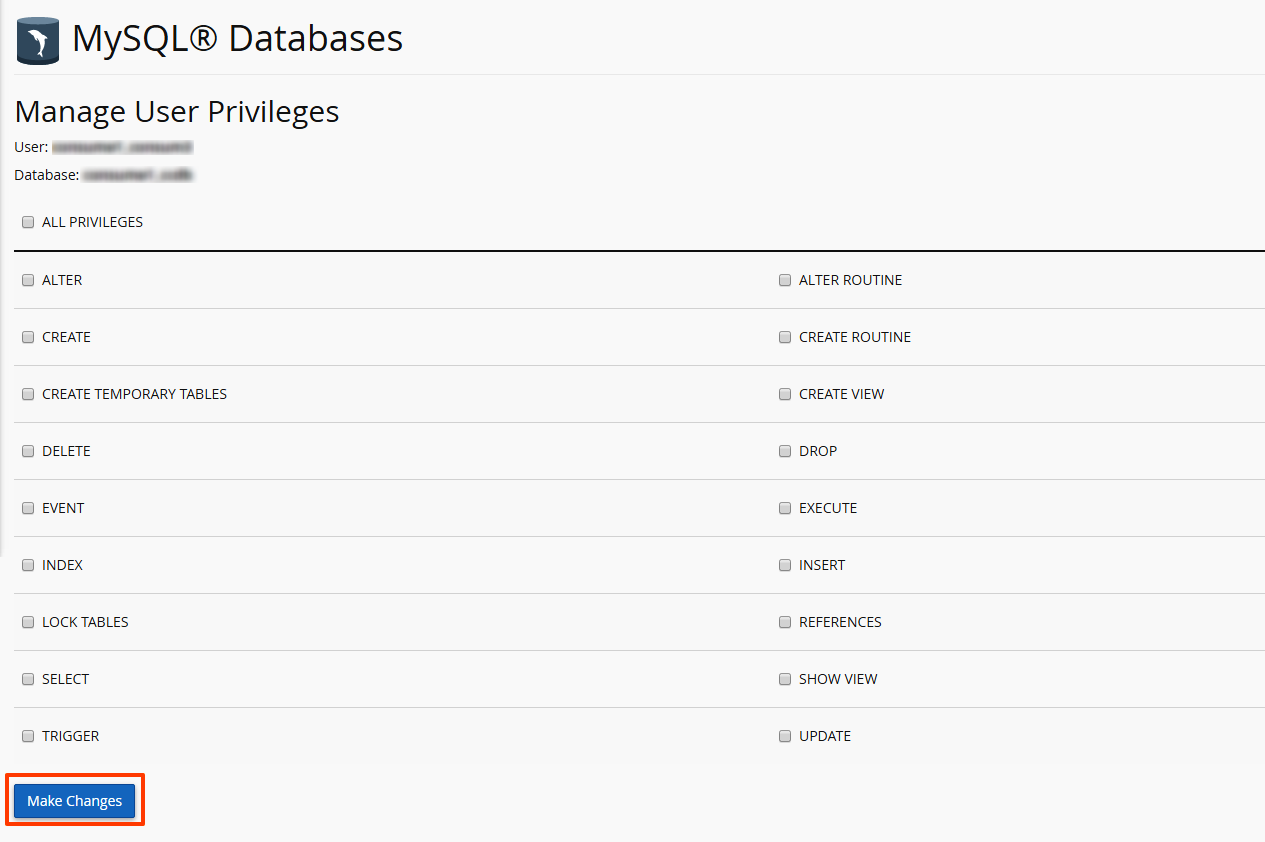
- From the MySQL Account Maintenance screen, select the privileges you wish to grant the user or select 'ALL PRIVILEGES'
- Click 'Make Changes'
Unassign User Privileges to a Database
- Navigate to the Current Databases section of MySQL Databases
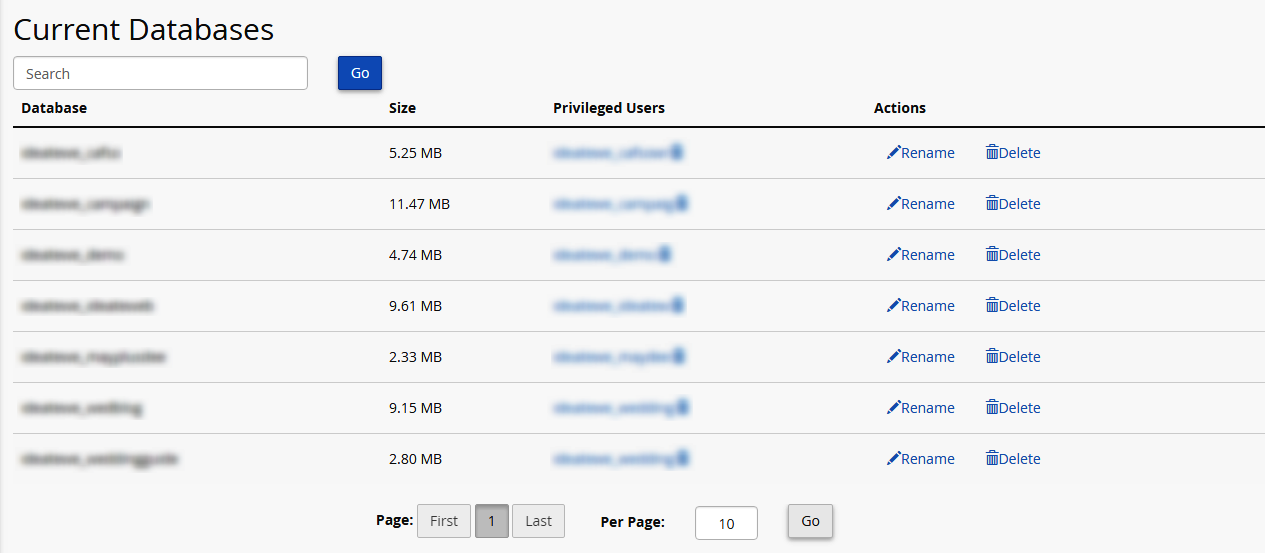
- Navigate to the database you wish to modify
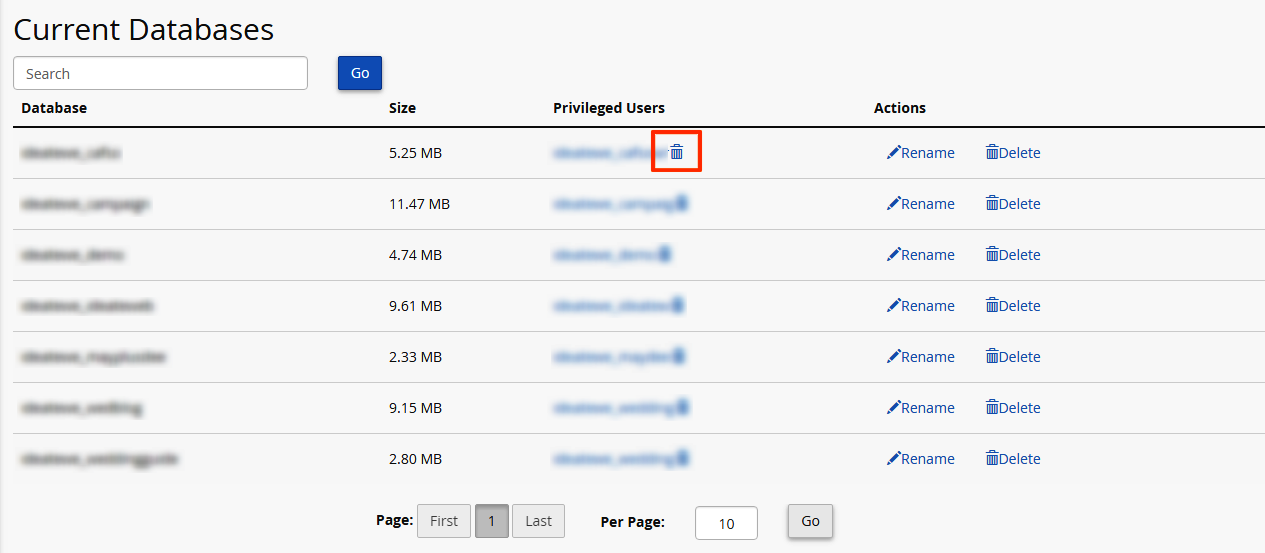
- In the Users column for that database, click the bin icon next to the user you wish to delete
- 3 Users Found This Useful
Related Articles
406 Not Acceptable Error
A 406 Not Acceptable Error is indicating that the script you are trying to run is triggering...